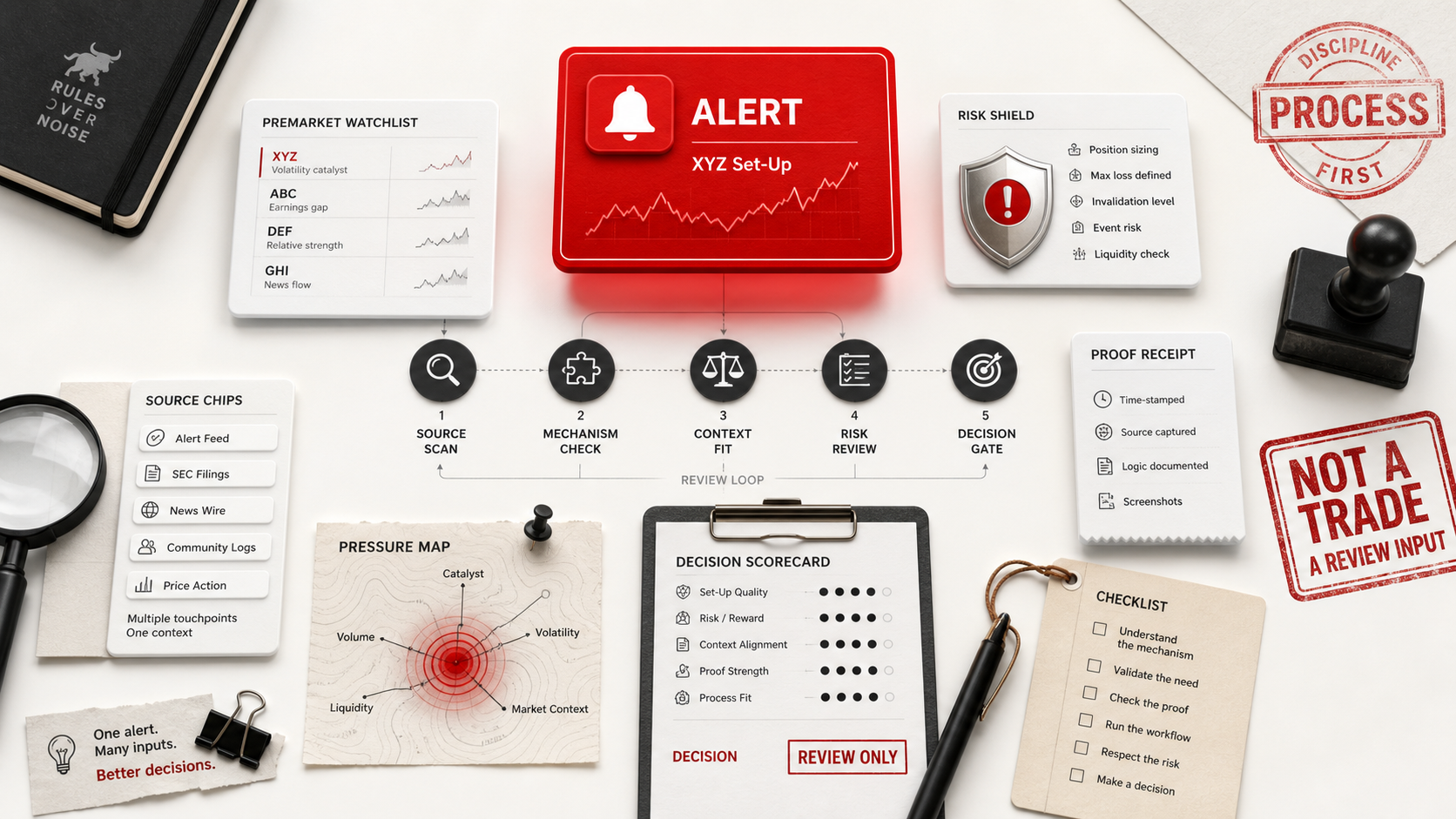
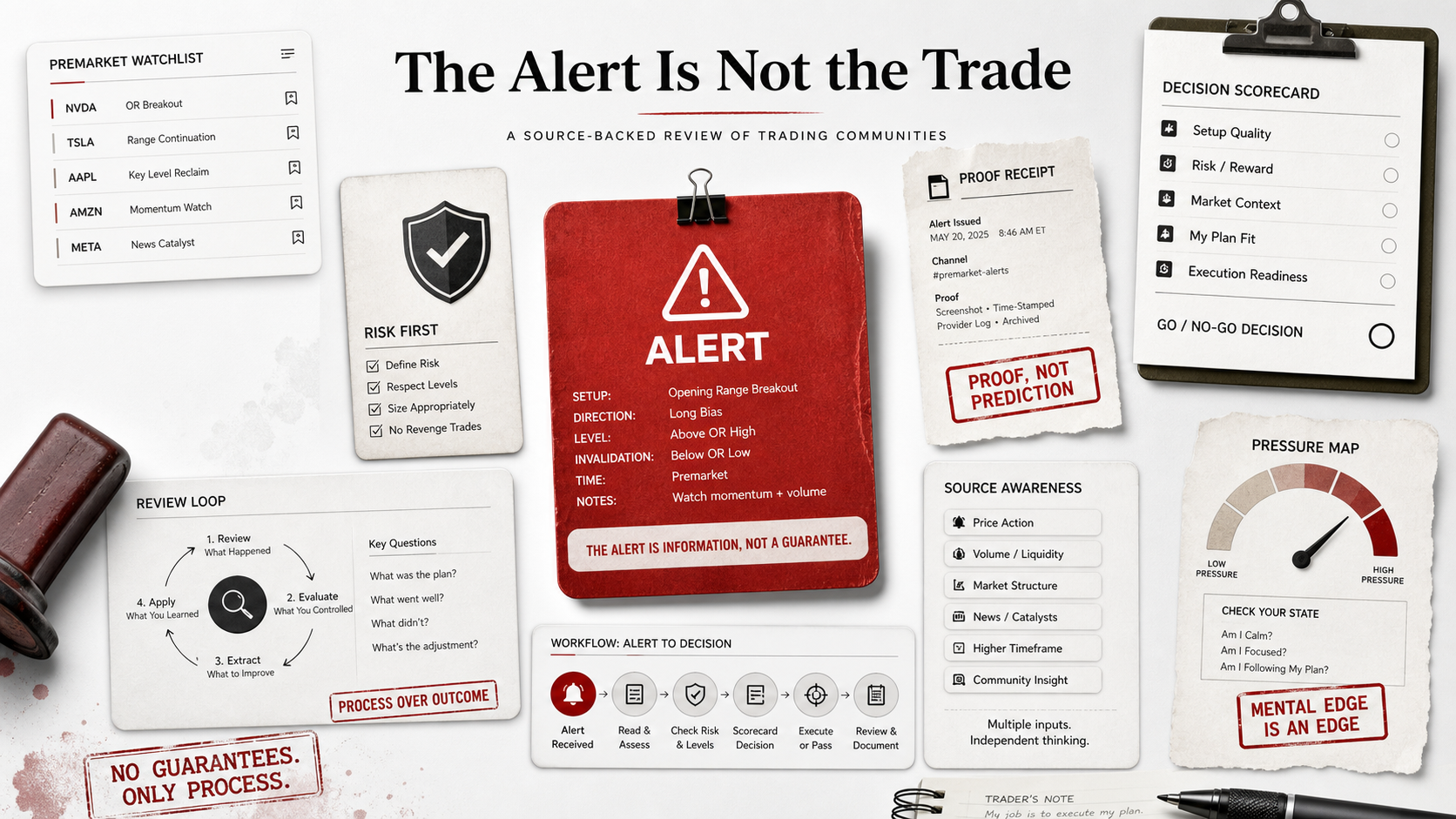
Off The Board inspection system

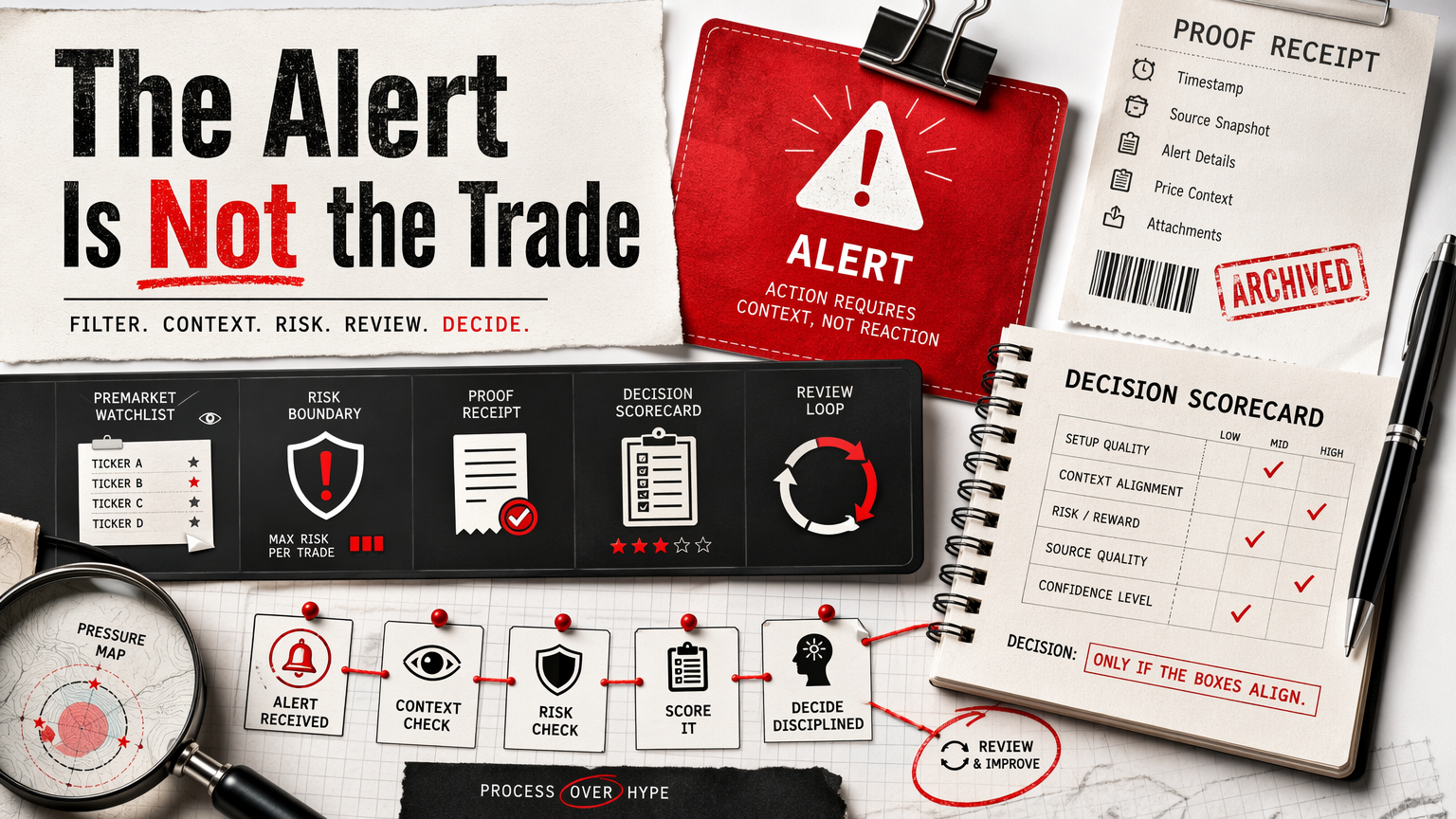
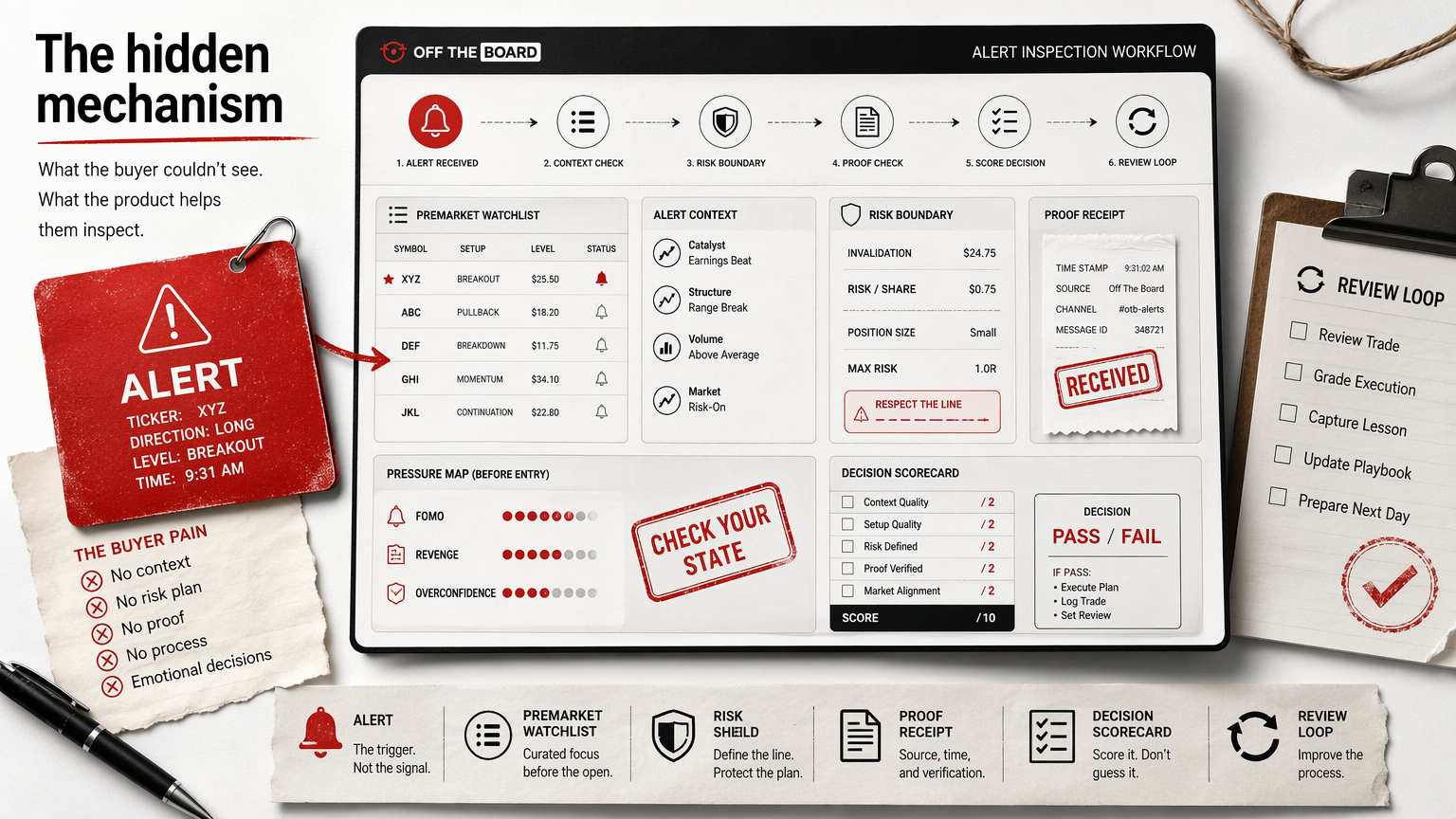
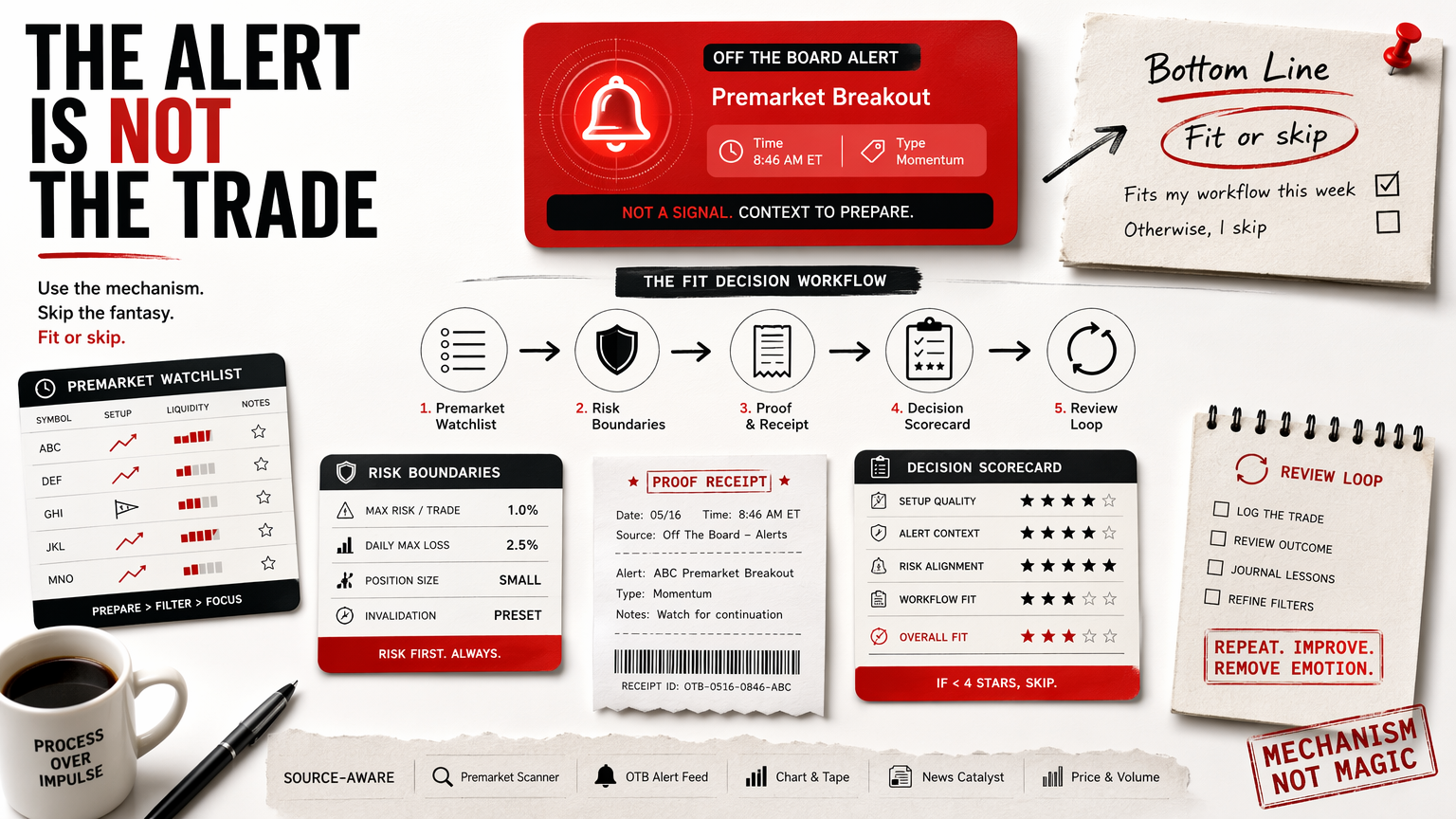
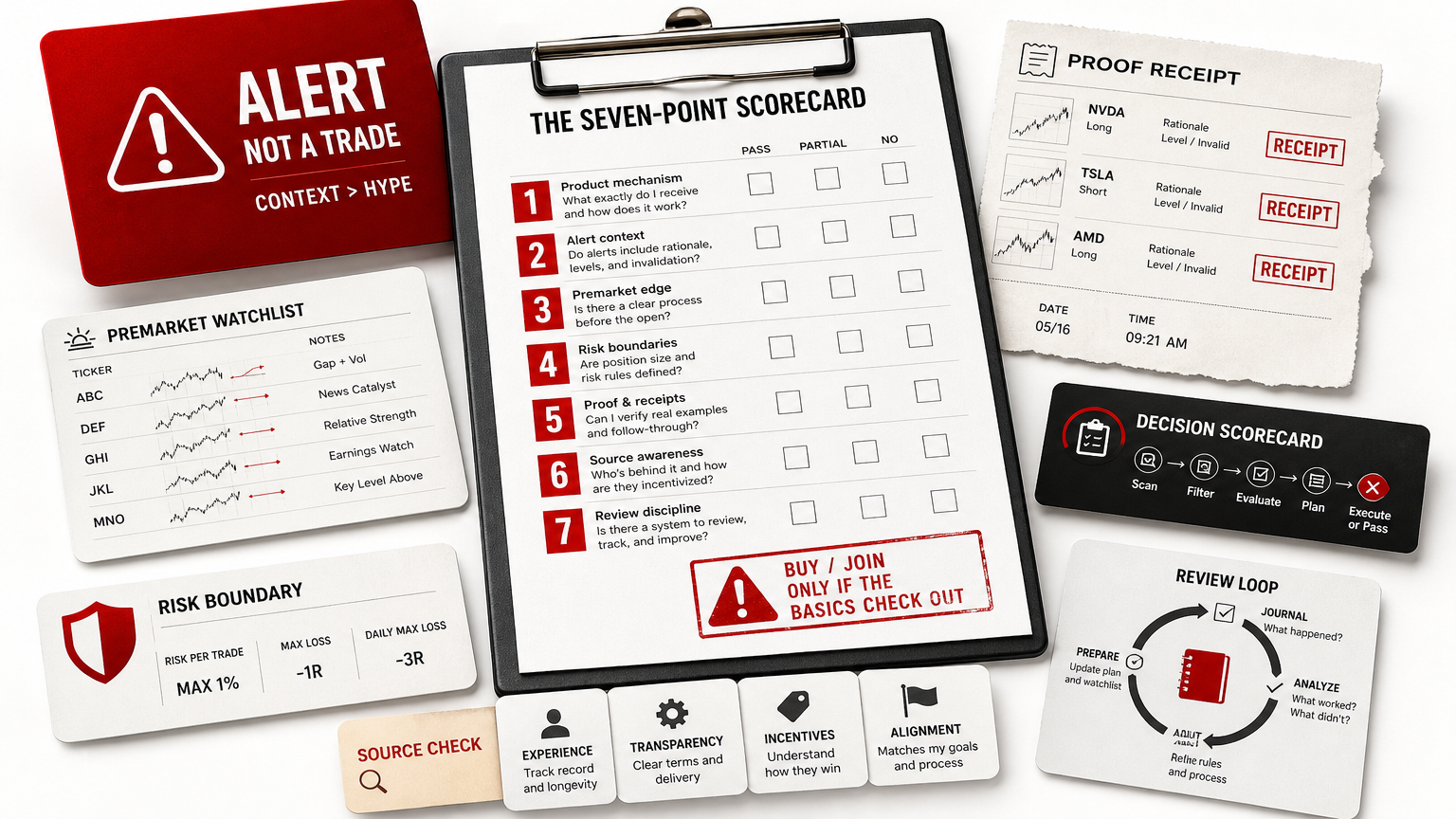
The alert is not the trade.

Before you join another trading room, decide what the room is supposed to fix: rushed entries, weak watchlists, vague invalidation, oversized ideas, or skipped reviews. Off The Board only makes sense if it improves that routine.

3,000+ words 15 guides 9 boards
pre-market mapalert filterrisk receiptwatchlist railreview loopfit scorecardno-trade triggersource ledger
OFFTHEBOARD.LOGCHECK AT WHOP
ProductOff The Board
CategoryTrading community
PricingVerify live
RatingsVerify live
Risk stanceNo guarantees

Live offer check

Check the terms after you know the use case.

Price, plan names, renewal terms, refund rules, rating count, and room details can change. The useful order is simple: pick the behavior you want improved, then verify the current offer at Whop.

15Longform blogsAlert workflow, Discord discipline, yearly access, risk filters.09Infographic boardsDecision maps, scorecards, no-trade triggers, and live-term checks.04Carousel scriptsSocial decks with real sequence instead of random slides.

Where Off The Board has to help.

A trading room is useful only where it changes the day: premarket prep, alert filtering, questions before entry, and review after the close.

Premarket: reduce the watchlist before chat starts. visual
01

Premarket: reduce the watchlist before chat starts.

A room is most useful before the market forces a decision. The first check is whether Off The Board helps you narrow the day: which tickers matter, which levels matter, and which ideas are not worth attention yet.

If the room only adds more tickers, it increases pressure. If it helps you start with fewer decisions and cleaner questions, it has a real job in the morning routine.

Alert arrives: slow the hand before the click. visual
02

Alert arrives: slow the hand before the click.

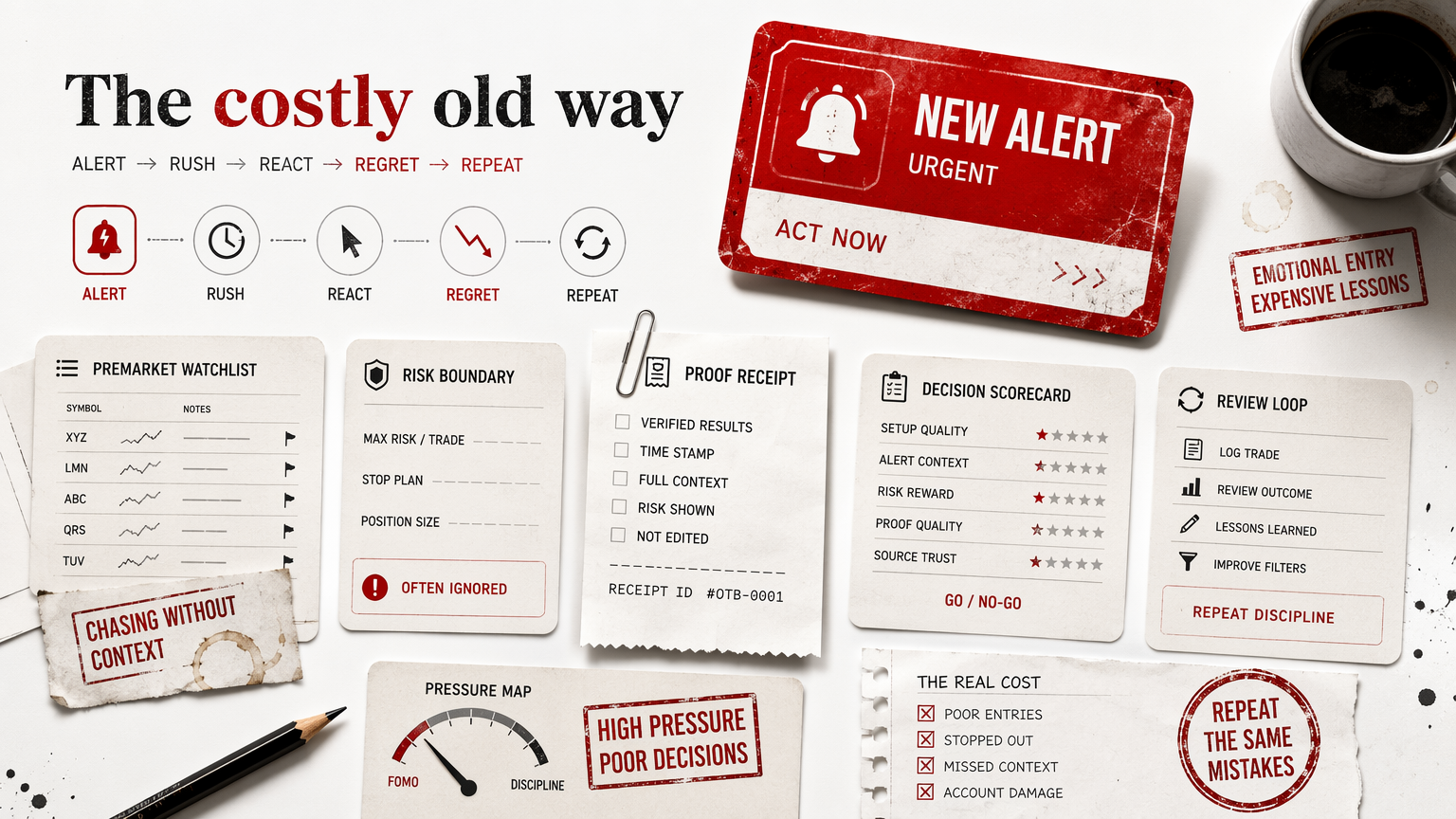
Speed feels useful when the room moves quickly. The problem is that a faster notification does not give you invalidation, size, exit, or a reason to pass.

Use each alert as an input, not an instruction. If the setup cannot survive the filter, the trade can wait even when the chat is moving.

During the trade: know what proves the idea wrong. visual
03

During the trade: know what proves the idea wrong.

A trade without invalidation turns the room into emotional support. Before entry, write what would make the idea wrong, how much size belongs on it, and where the trade stops being worth attention.

Community context can help, but the account still needs a boundary. The room should make that boundary clearer, not easier to ignore.

After the close: turn the day into a rule. visual
04

After the close: turn the day into a rule.

The useful learning often happens after the move is finished. Did the alert match your plan? Did you chase? Did you size too quickly? Did the room help you ask a better question?

A weekly review matters more than a busy feed. If the room helps turn messy days into cleaner rules, it can compound into a better routine.

Before paying yearly: prove weekly use first. visual
05

Before paying yearly: prove weekly use first.

Yearly access should be a schedule decision, not a discount reaction. Know when you will use the room, what you will track, and what would make you cancel.

Open the live offer after the use case is specific. If you cannot name the weekly habit, you are not ready to compare plans.

Four checks before opening Whop.

Do not judge the room by excitement. Judge it by whether it fits the way you trade when the market is moving.

Wanted change

What habit should change?

Pick one: fewer impulse entries, cleaner invalidation, smaller ticker lists, better questions, or completed Friday reviews. If no habit changes, the room is entertainment.

Why it can help

Does the room support the workflow?

Look for watchlists, alert context, education, discussion, and review habits that fit your week. Alerts alone are not enough.

Use it now

Can you test it for 30 days?

Track plans written, impulse trades avoided, questions asked, and review notes completed. Those numbers tell you more than excitement.

Friction removed

What would make you skip it?

Skip if the market focus, schedule, alert style, support, or renewal terms do not match how you actually trade.

Daily routine

The room has to fit into a repeatable trading day.

A room that cannot improve the morning plan, the alert filter, the sizing decision, or the review note becomes another tab to watch.

Observe

Watch the room and market map without converting motion into obligation.

Filter

Force every alert through setup, context, invalidation, size, exit, and pass condition.

Size

Treat confidence as a weak signal until risk is written down and capped.

Review

Turn taken trades, passed alerts, and broken rules into the next session's checklist.

Nine boards to keep beside the trading desk.

Each board gives a name to a moment that usually feels vague: the rushed alert, the noisy channel, the annual plan, the no-trade trigger, and the review that decides whether anything improved.

Alert Before Action infographic

Board 01

Alert Before Action

Name the setupCheck market contextWrite invalidationCap sizePlan exitPass if vague
Discord Noise Filter infographic

Board 02

Discord Noise Filter

Mute chatterKeep alert channelSave educationAsk one questionLog decisionReview weekly
Yearly Access Score infographic

Board 03

Yearly Access Score

Weekly use caseSchedule fitRisk rulesSupport qualityCancel triggerRenewal check
Risk First Watchlist infographic

Board 04

Risk First Watchlist

RegimeTicker shortlistKey levelsNo-trade zoneSizing noteReview field
Confidence Trap infographic

Board 05

Confidence Trap

SignalEmotionEvidenceRiskDelayDecision
Weekly Review Loop infographic

Board 06

Weekly Review Loop

Trades takenAlerts passedRules brokenQuestions askedNotes revisedNext rule
Live Terms Ledger infographic

Board 07

Live Terms Ledger

Verified URLCategory knownPricing liveRatings liveRefund liveCheck at Whop
Trade Room Fit infographic

Board 08

Trade Room Fit

Asset focusTime zoneAlert styleEducation depthReview habitRisk culture
The No-Trade Trigger infographic

Board 09

The No-Trade Trigger

Late entryNo invalidationOversized ideaChat pressureNo targetPass and log

Fit checks that actually matter.

A good room can still be wrong for your account, hours, asset focus, or decision style. These checks keep the purchase tied to your real week.

01 / Market Prep

Watchlists before the open

Start each session with a clearer shortlist instead of scrolling through noisy feeds.

02 / Trade Context

Alerts with risk language

Use alerts as prompts for your own plan, with reminders to size positions and protect capital.

03 / Community

Discuss setups with traders

Compare notes inside a trading community built around process, review, and accountability.

04 / Education

Build repeatable habits

Learn the routines behind entries, exits, reviews, and staying patient in volatile markets.

05 / Live Check

Current terms checked at Whop

Pricing, ratings, and member counts are left out until they are verified from live sources.

06 / Risk

Process before pressure

Keep alerts, room context, and review habits tied to a written decision process.

Read this before the room gets loud.

Use these sections as a trading-room checklist. If a section does not match a problem in your week, skip it and move to the one that does.

01

1. Start with the leak in your current trading week.

Do not start with the product. Start with the week that is already costing you attention. Maybe you chase late alerts. Maybe you keep too many tickers open. Maybe your journal is empty by Friday. Maybe you ask questions only after the move is over.

Off The Board should be judged against that leak. The question is not whether a trading room sounds active. The question is whether the room can support one behavior you can name and track.

02

2. Check whether the market focus fits your actual trades.

A room can be good and still wrong for you. Check whether the instruments, session times, alert style, and education depth match the trades you actually take.

If you trade a different schedule or need a different level of explanation, the room may become another feed that you watch without using.

03

3. Decide how alerts are allowed to influence you.

An alert should trigger questions, not obedience. Before acting, you need setup, context, invalidation, size, exit, and a reason to pass.

If you tend to copy quickly, the room needs to make you slower in the right way. If it only makes you feel late, it is not helping the decision.

04

4. Set up a 30-day review before you buy long term.

Use a simple scorecard: plans written, impulse trades avoided, questions asked, review notes completed, and rules changed by Friday.

The room earns attention when those behaviors improve. If the numbers do not move, the problem is either fit, usage, or expectations.

05

5. Use the boards as desk checks during the week.

The boards are built for quick checks: alert filter, Discord noise filter, yearly access scorecard, risk-first watchlist, confidence trap, weekly review loop, live terms ledger, room fit map, and no-trade trigger.

Use them before the moment gets emotional. A visible pass condition is easier to follow than a vague reminder to be disciplined.

06

6. Read the guide that matches the next mistake.

If Discord overload is the problem, read the room workflow guide. If annual access is the question, read the yearly access guide. If you copy alerts too quickly, read the alert evaluation guide before opening the offer.

Each article should help you decide one thing: what behavior would Off The Board need to improve for the purchase to make sense?

07

7. Verify the live Whop terms before you commit.

The live Whop page should answer what can change: current price, plan names, renewal terms, refund rules, community rules, rating count, and moderation details. Check those details at the source.

Then verify personal fit. Do you trade the same instruments? Are you available when the room is active? Do you want education, alerts, discussion, or review? Can you treat alerts as prompts rather than commands?

08

8. Final rule: name the behavior first.

Open Off The Board only if you can point to a specific behavior you want to change: entering without invalidation, watching too many tickers, overreacting to chat pressure, skipping weekly review, or failing to write a pass condition before the move starts.

If you cannot name the behavior, do not turn curiosity into checkout. If you can name it, inspect whether the community supports that routine.

Check the live details at the source.

The Whop page is the source for current price, plan names, renewal terms, refund rules, rating count, and community details.

  • Verify current Whop pricing, plan names, and renewal terms before buying.
  • Confirm refund terms, community rules, support expectations, and cancellation rules.
  • Check whether the room fits your market, schedule, alert style, and review habit.
KnownWhop URL and trading-community category
Useful nowAlert filter, yearly scorecard, room-hygiene checklist
Verify livePrice, ratings, plan names, refund terms, renewal rules
Skip ifNo weekly use case, poor schedule fit, unclear terms, weak review habit

How to use it

Treat the room as a support system, not a substitute for judgment.

Use Off The Board to study routines, compare market ideas, and prepare with more structure. Before you join, know what you want to improve and what would make the room a bad fit.

  • Treat alerts as research prompts, not instructions to chase.
  • Review risk, sizing, and invalidation before entering any trade.
  • Separate community discussion from verified product claims.

Next step

Open the live offer only after the filter makes sense.

Open Whop